
Browse all guides
Start recording
How to add Pastok to your Apple Watch face
On this page
Add Pastok’s recording shortcut to your Apple Watch face.
Choose a face with a Complications slot, then select Pastok → Start Recording. Tap the shortcut whenever you want to start recording.
See how to add the shortcutWhat a complication actually does
A complication does one of two jobs. It shows information on your face, like the temperature or your rings. Or it works as a shortcut that opens an app in one tap. Some do both. Adding one takes about thirty seconds.
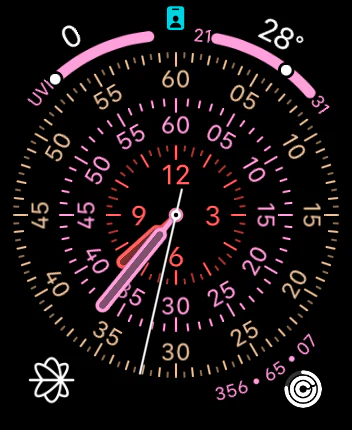
The word comes from watchmaking. Any function beyond telling the time was called a complication. On the Watch the name stuck.
Which faces can take one
Nearly every family has at least one face that accepts complications. Open the Watch app on your iPhone, pick a face, and look for a Complications section. If it is there, that face takes shortcuts.
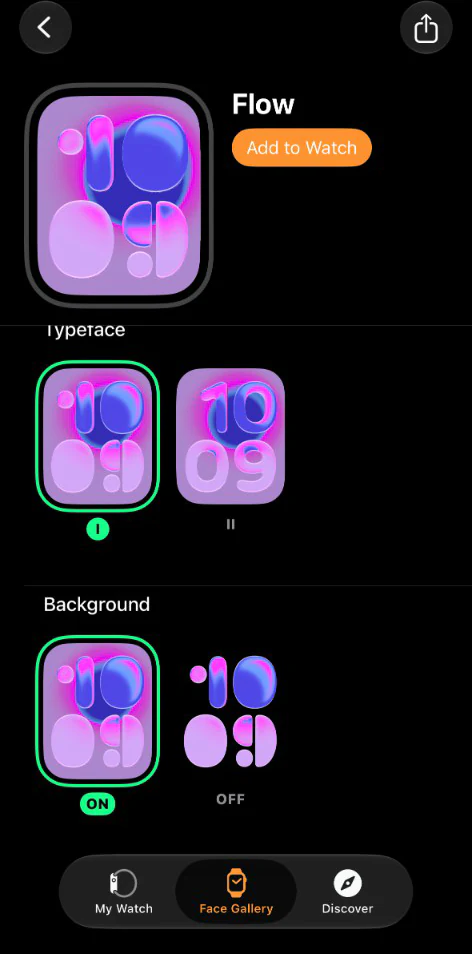
Here is the part that catches people out. A face can offer complications on one dial and refuse them on another. Same face, same name, different variant.
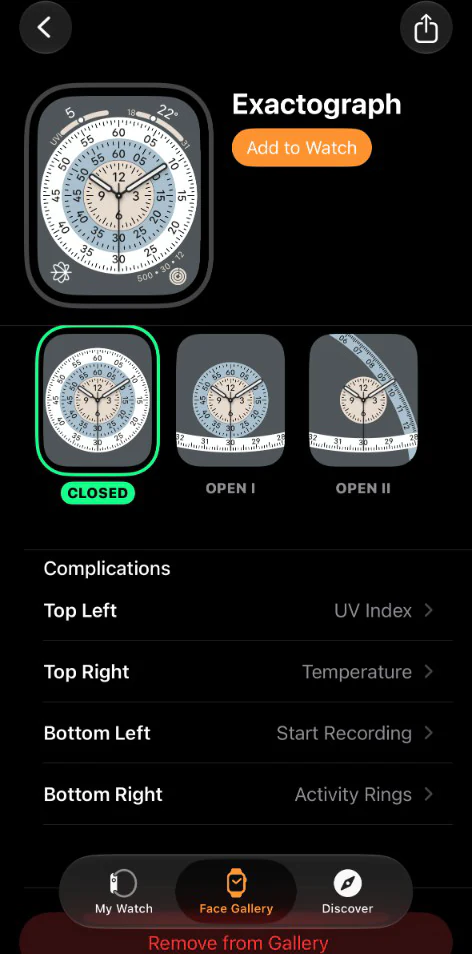
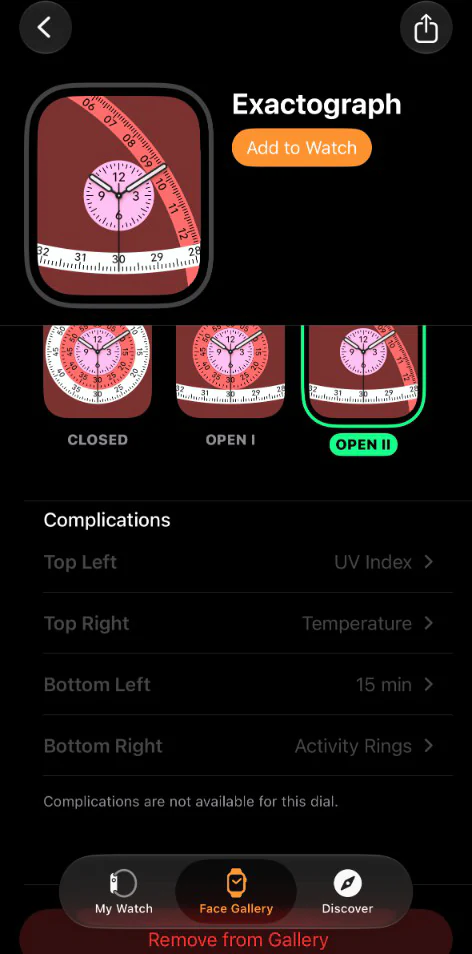
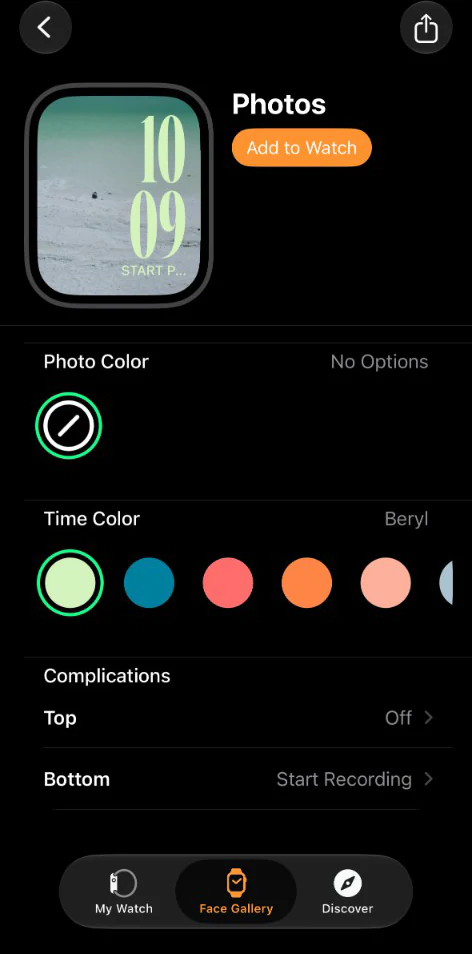
Slot counts vary just as much. Exactograph gives you four. The Photos face gives you two. Pride Harmony gives you one, in the middle.
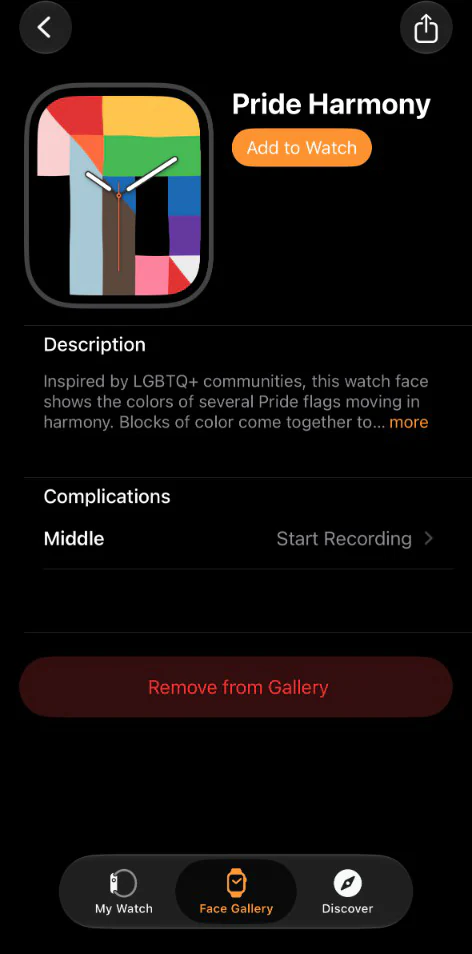
How to add one
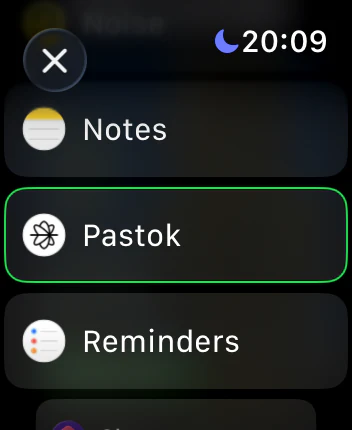
Tap the slot you want, then pick the app. Apps are listed alphabetically by name, and each one shows what it can put there.
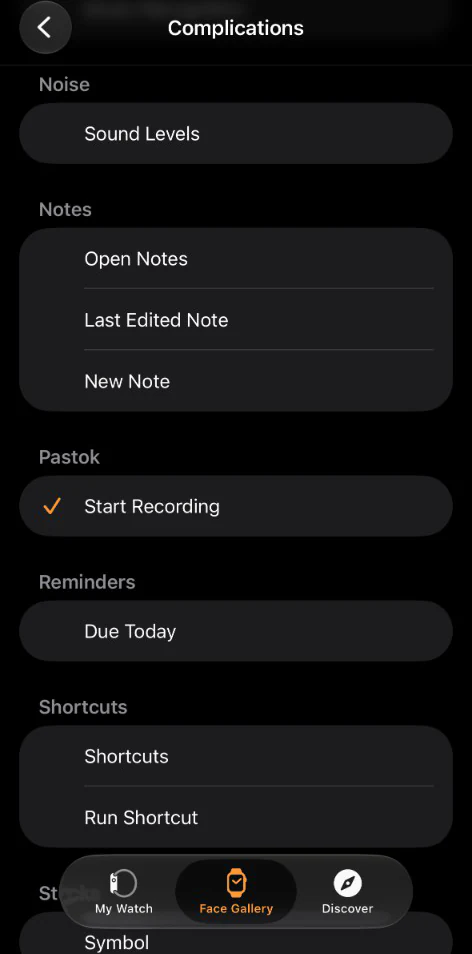
You can do the whole thing on the wrist instead. Press and hold the face, tap Edit, then swipe left through the customisation pages until you reach Complications. Tap a slot and the same alphabetical list comes up.
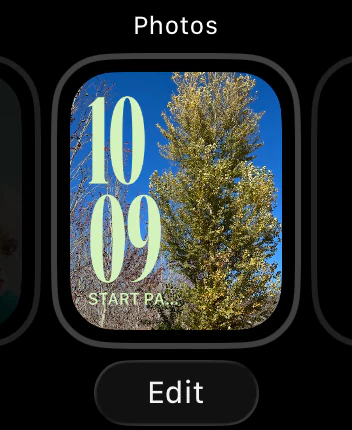

What it will look like
How a shortcut is drawn depends on the face, not only on the app. The preview shows you before you commit.
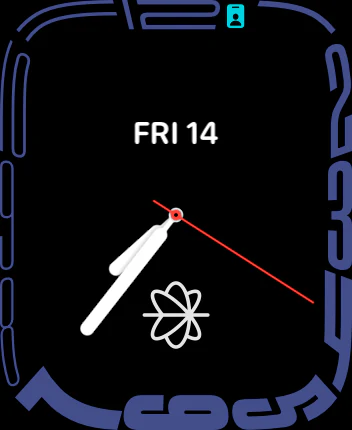

What happens when you tap it
One tap starts a capture session. Recording begins on the tap, not after the app finishes opening.
That gap, between deciding to record and actually recording, is where notes get lost. A colleague stops you on a Tuesday with "the vendor contract renews in March." You need that on Friday. Raise, tap, done. Your phone can stay wherever it is: audio uploads from the Watch itself, and with no connection the Watch holds it and sends it later.
If the app is not in the list
If you got here searching "apple watch complications missing," you are probably looking at one of three things, in the order you will hit them.
- The dial does not take them. Switch to another dial of the same face, or another face in the family.
- The app is in no list, on any face. Its Watch app never installed. On iPhone: Watch app → Available Apps → install. To stop it recurring: Watch app → General → Automatic App Install.
- It is there but showing old information. Open the app once. Background refresh is opportunistic.
Related
Take Pastok with you
Capture Apple Watch voice notes, search your memory, and turn conversations into action items.
Get the App