Brainstorms
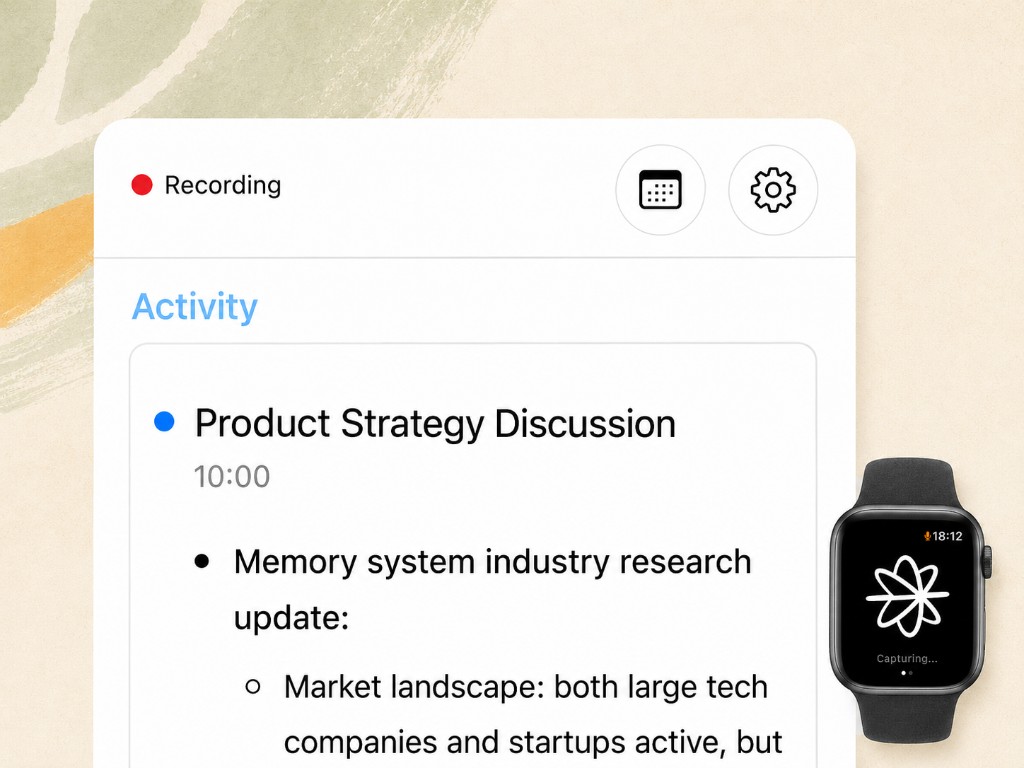
Forget the notes and stay on the ideas. Pastok writes down every point, keeps the speakers apart, and pulls out the action items.
See it in practiceExternal memory, from iPhone or Apple Watch.
Meetings, brainstorms, lifelogging.
Tap once. Keep the context while staying fully present.
As easy as checking the time.
1
2
3
How it works
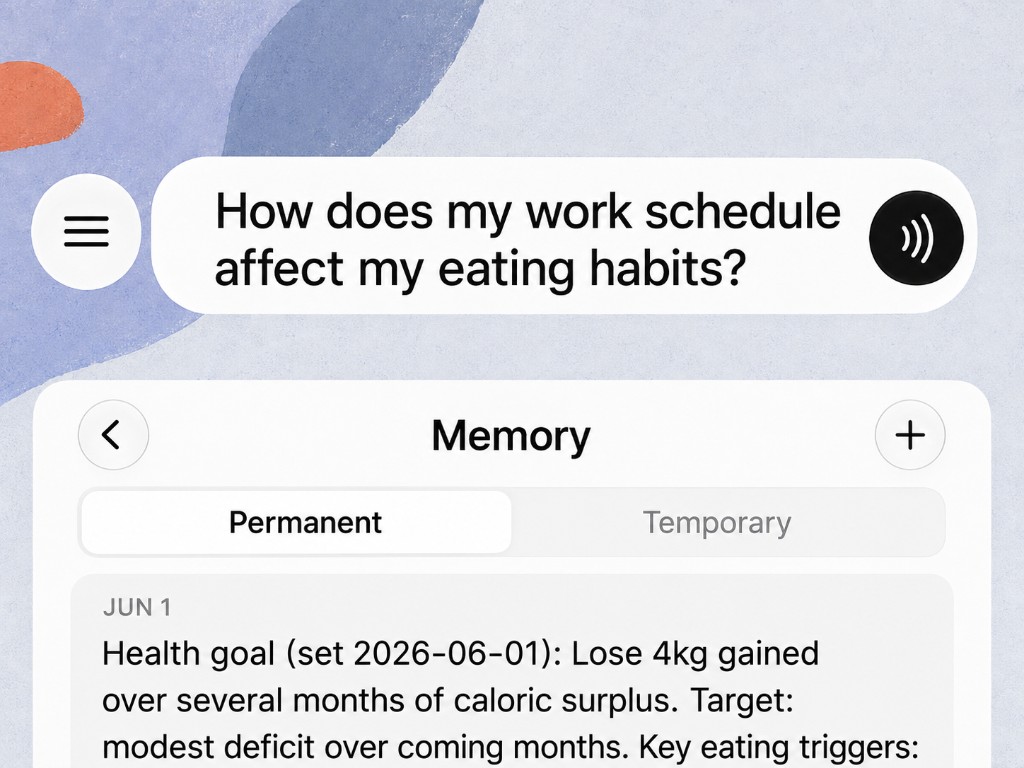
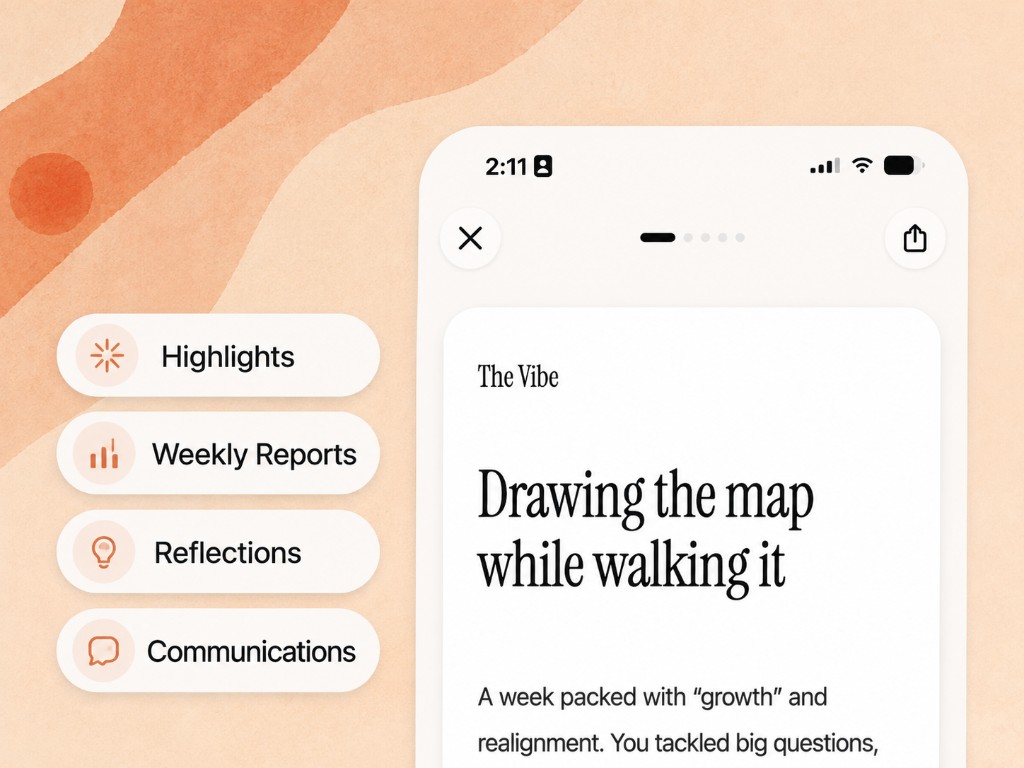
Conversations become structured memory you can actually use.
Use it for
What's worth keeping rarely comes with an invite.
Forget the notes and stay on the ideas. Pastok writes down every point, keeps the speakers apart, and pulls out the action items.
See it in practiceA walk, a commute, an hour on your own. Let the session run while you talk an idea into shape.
See it in practiceCome home with the details you were given, and the follow-up already on your list.
See it in practiceWhat they asked you for, what you promised, and the thread to pick up next time.
A write-up of what was covered and the questions it raised, whether you ran the session or sat in it.
See it in practiceA walk-through you can write up from what was said, not from what you managed to scribble.
One timeline instead of forty separate recordings: what you got done, what's still open.
See it in practiceKeep going
Web app
Get the full conversation in text and chat with Pastok while you work on your computer.

MCP integration
Add transcripts, summaries and daily recaps to your agent’s context.
I use it to find things, like what I did on the 11th, when someone said something. It's like an external memory.
The feedback always matched the vibe—when a class was rough or solid—and the notes were specific and practical, not generic. It's the stuff you only see from the outside.
When it asked if I'd noticed the change in my stroke and rhythm, I was a bit shocked. I hadn't thought of that. That's what made me want to keep using it.
Going further
Ask Chat once for what you want, and when you want it. It keeps arriving.
A checklist per client, with the empty sections dropped.
After each client meeting, write me a follow-up in Markdown with these sections, in this order: Decisions — what we actually settled, in the words we settled it in. I owe them — anything I committed to, with the date if a date was said. They owe me — the same, from their side. Open threads — raised and not closed. Blockers — anything either side said was in the way. Leave a section out entirely if there is nothing for it. Don't turn "we could maybe do that" into a decision; if it was hedged, it goes under open threads. Where you can't tell which speaker said something, say so instead of picking.
A spec you can hand to an AI, open questions marked, not guessed.
When a conversation is a brainstorm or a design discussion, turn it into a spec in Markdown: Problem — the problem in a paragraph, the way we described it, not the way it should have been described. Who it's for — the person and the situation. Settled — what we decided. Not being built — what we ruled out, and the reason we gave. Open questions — left open. Don't resolve anything we didn't resolve. If we went back and forth and then stopped, that's an open question, not a decision. Skip any section with nothing in it, and flag anything you had to infer.
One list, ordered by who is waiting.
Every Sunday evening, go through this week's conversations and find everything I said I would do and haven't done yet. For each one: what I said, in my own words. Who I said it to. When I said it. Whether a date was attached. Sort by who is waiting on me, longest wait first. Markdown. If the week is clean, say that in one line instead of padding it out.
Three short sections about one conversation, and one thing to try.
After a conversation with my kid, three short sections in Markdown: What they asked me for — including anything asked sideways rather than straight out. What I moved past — anything they raised that I answered fast or talked over. Worth trying next time — one thing, based on what happened in this conversation. Describe what was said. Don't diagnose anything and don't give me general parenting advice. If they didn't ask me for anything, say that. Keep the whole thing under 150 words.
These four are starting points, not a menu. Describe what to look for and what to hand you, and it does that from then on.
Your conversations exist to be useful to you, not exploited, sold or used for anyone else's benefit.
Audio processed, then deleted
Audio is deleted after processing and never kept past 7 days. We keep the insight, not the file.
Encrypted, everywhere
Your data is encrypted in transit and at rest. What moves between your Watch and our servers stays protected the whole way.
No one goes through your data
Nobody at Pastok reads your transcripts or listens to your recordings. Access is limited to keeping the service running.
Full access to Pro for 14 days.
See if it clicks on your real days.
$14.90/mo · annual
or $19.90/mo
For people whose best work happens out loud.
$29.90/mo · annual
or $39.90/mo
Everything in Pro. Plus:
Credits power Chat, Skills, and deeper search. For most users, 500 is more than enough. Power users will want Ultra.